Walkthrough
One order, both sides of the counter
Every screen here is a capture of the running demo, on a fictional four-location group. Place the same order yourself at the end.
The customer
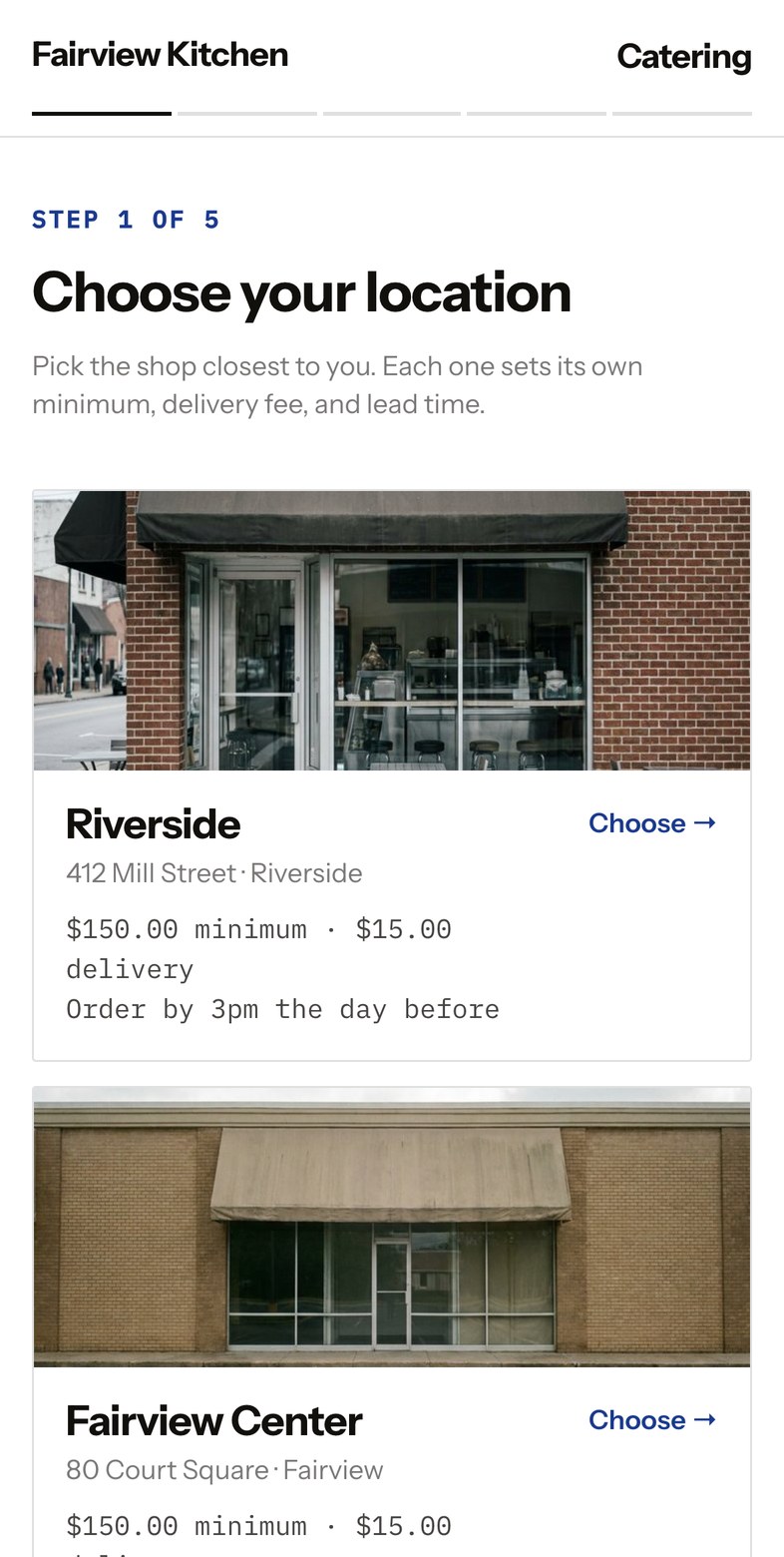
Pick a location
Every shop with its photograph, minimum and order-by time. The customer chooses before seeing a menu, so the rules that apply are the right ones.
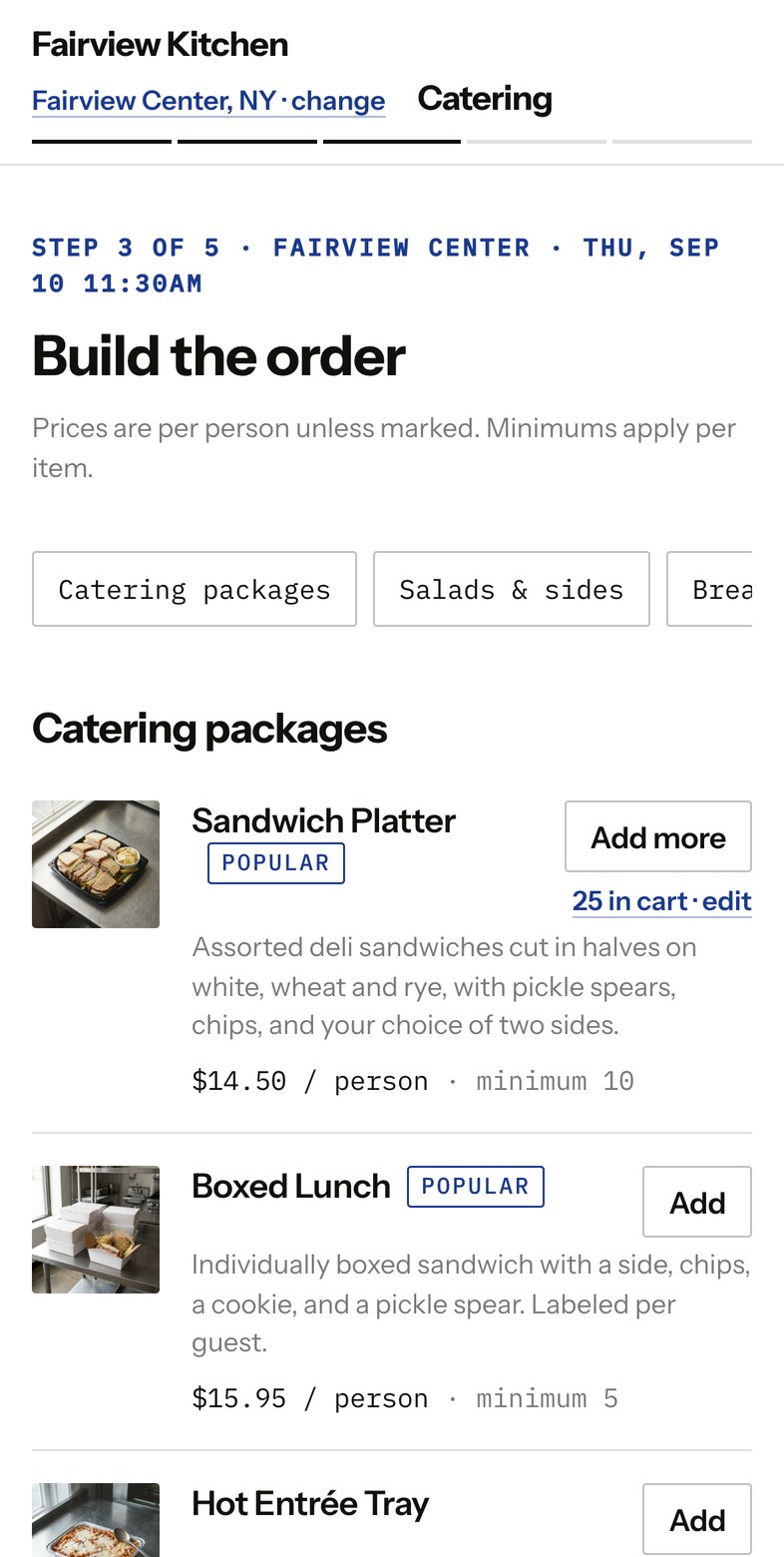
Build the order
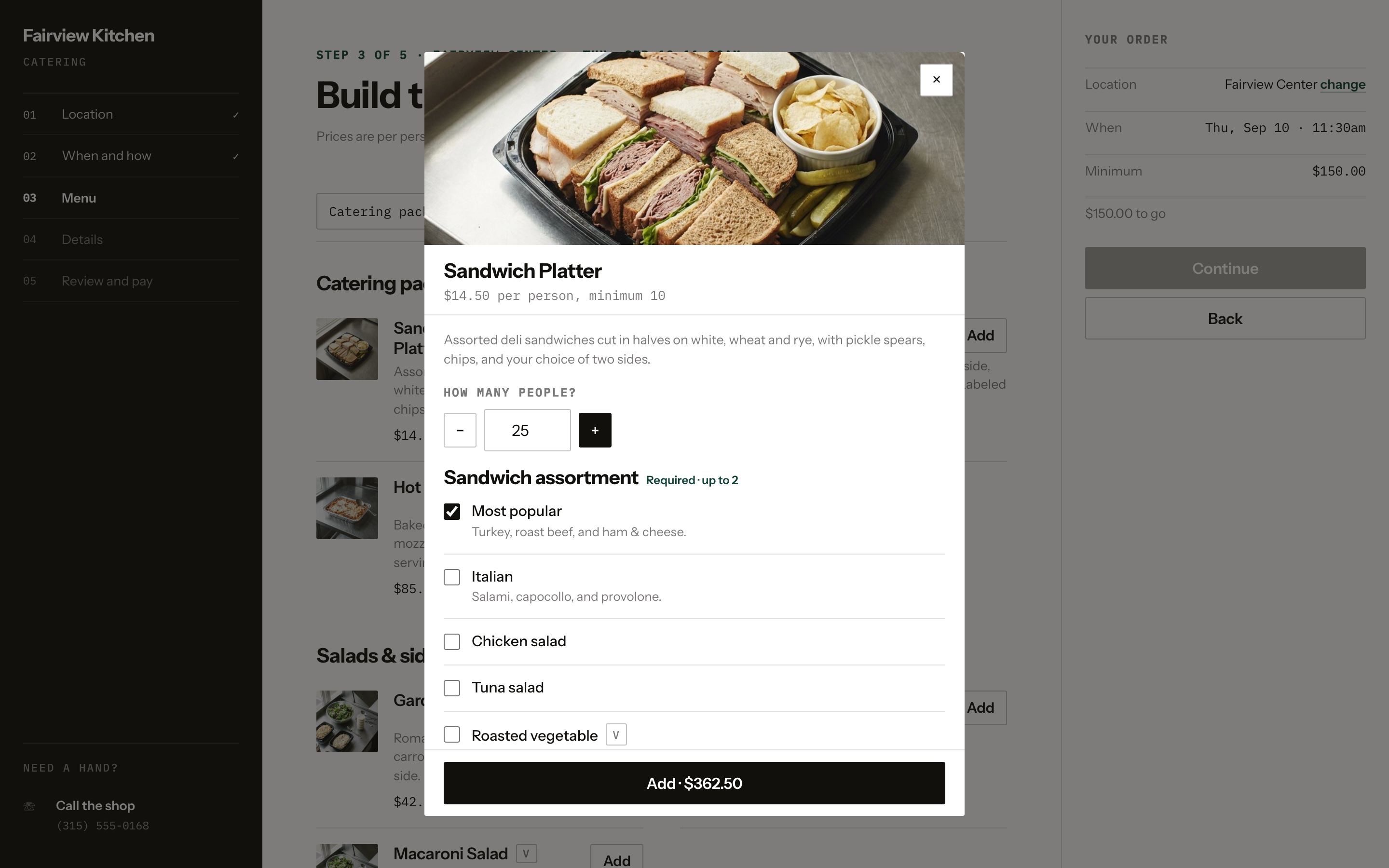
Packages with photography, priced per person or per tray. The running total and the minimum sit in view the whole time.
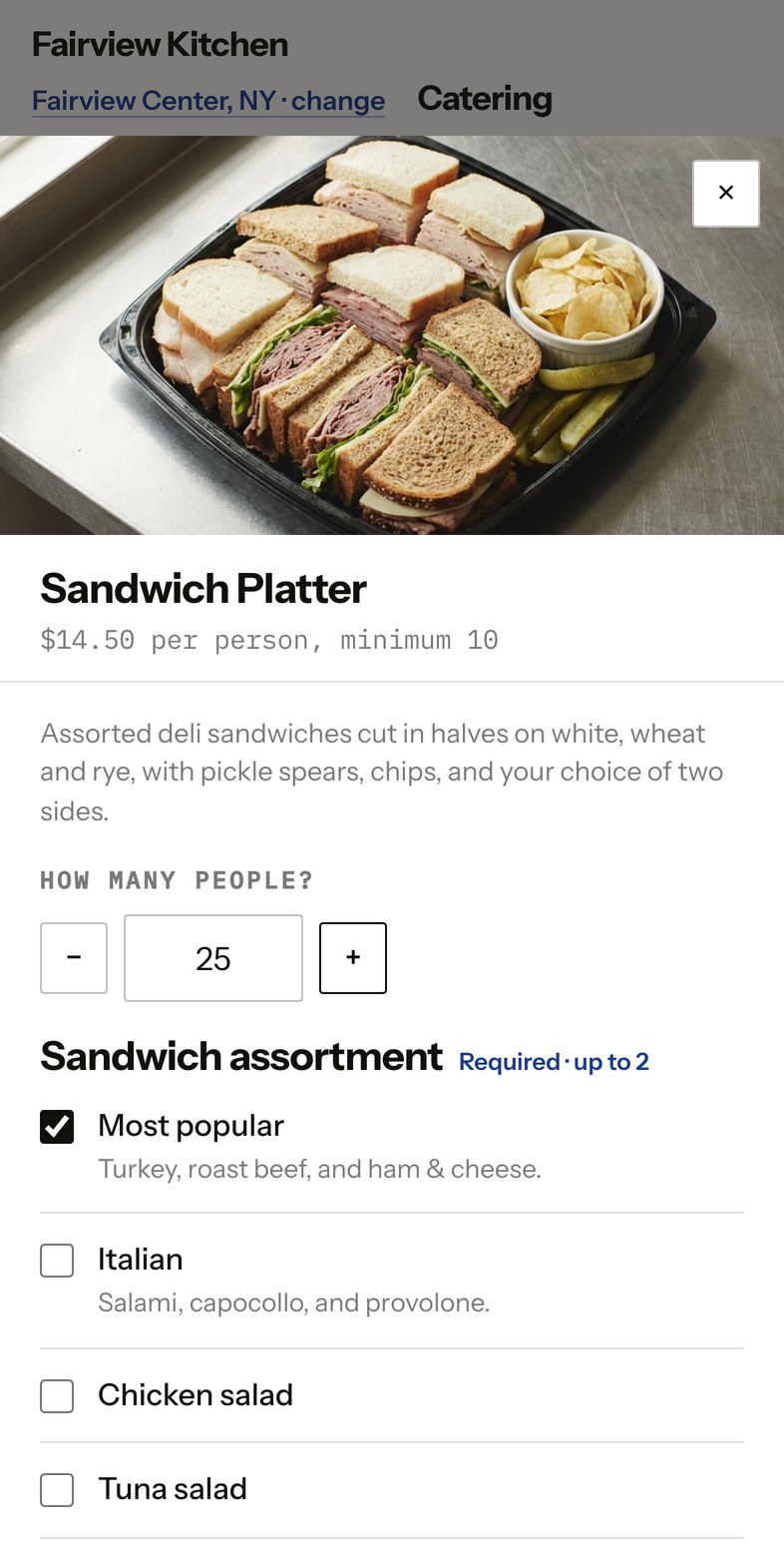
Set the headcount
Required choices and a minimum headcount that the checkout enforces. No order arrives that the kitchen cannot make.
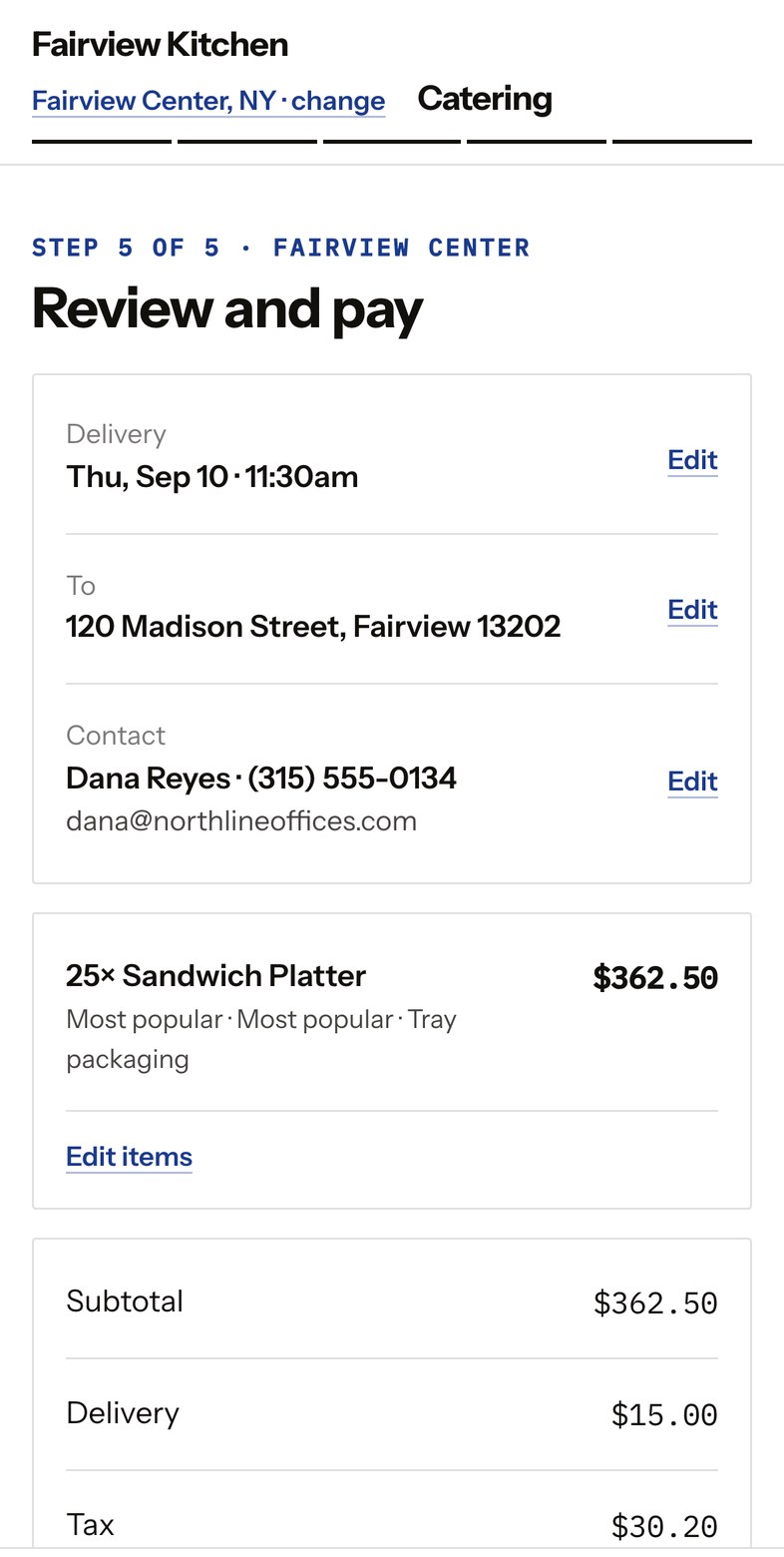
Review and pay
Name, phone, email, card. The card is held, not charged. The confirmation goes by text and email.
The kitchen
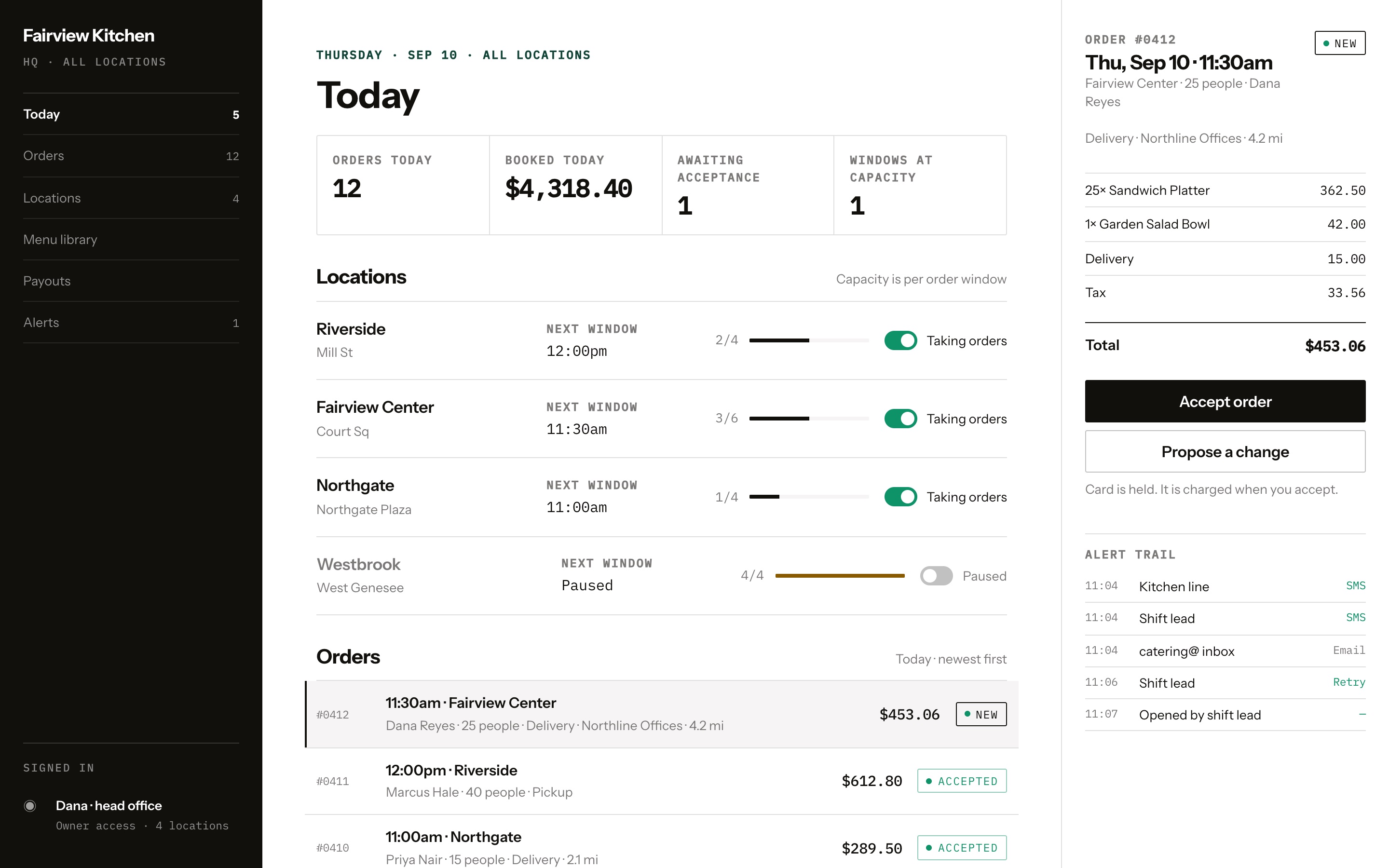
- 11:04Kitchen lineSMS
- 11:04Shift leadSMS
- 11:04catering@ inboxEmail
- 11:06Shift leadRetry
- 11:07Opened by shift lead—
Every send is logged, so a missed order is a question you can answer.
It reaches a person
Every phone and inbox on that location's list, then a retry, then a backup. Accepting captures the card.
- Sandwich Platter62 rounds3 orders
- Boxed Lunch25 boxes1 order
- Hot Entrée Tray2 half pans2 orders
- Garden Salad Bowl4 bowls3 orders
- Coffee Box3 boxes2 orders
Rolled up by window, printed at 6am. Nobody adds this up by hand.
The kitchen gets a number
Accepted orders roll up by window into what has to be made, printed before service.
Separate owners, separate banks, one storefront the customer sees.
The money lands where it should
Your Stripe account, your schedule. A group with more than one owner gets separate payouts behind one storefront.